PlexTrac Update Release Notes — June 28th, 2021
Catch Up on the Newest Additions to the PlexTrac Platform
June 28, 2021
The tremendous recent growth in our development team is beginning to bear fruit, and this month we have quite a few new useful features to highlight!
We’ve included a high-level overview of many of these features, but please also check out more granular documentation here: https://docs.plextrac.com/plextrac-documentation/
Theming Update / White-labeling
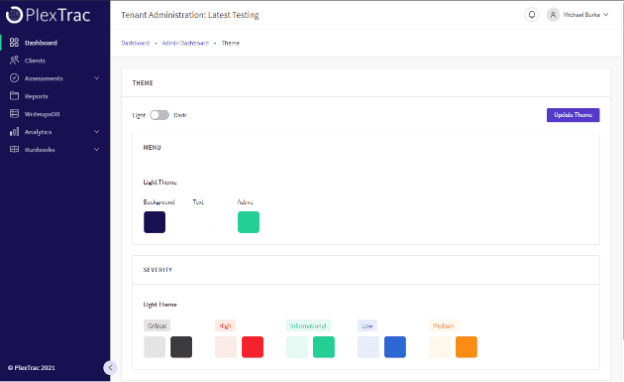
We have updated the Theming inside the platform! You will find the ability to collapse the left-hand panel, change the Logo, collapsed Icon, background, text, and text highlight colors of the left panel! This also includes the much-demanded Dark Mode! This can be access via the Account Admin -> Theme section.
Bulk Update of Asset Status
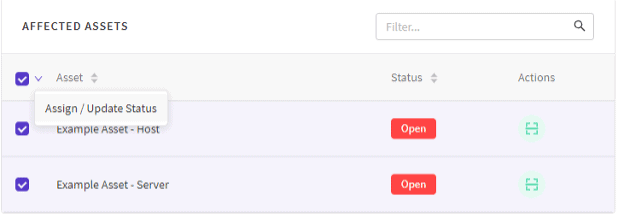
When viewing Affected Assets under the preview modal, you can now Bulk Update the Status of Assets!
Analytics
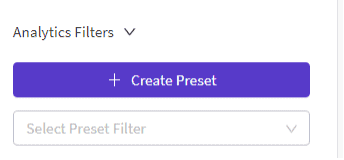
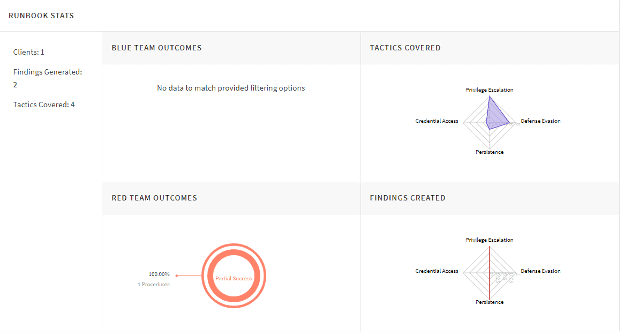
We have updated our Analytics Module and will be continuing to do so. You will notice a Findings by Client section, Preset Filters, and an all-new Runbooks Analytics Module which includes a MITRE type heatmap. Stop by and look at the updated Analytics section!
SCYTHE/MITRE Imports to Runbooks / Engagements
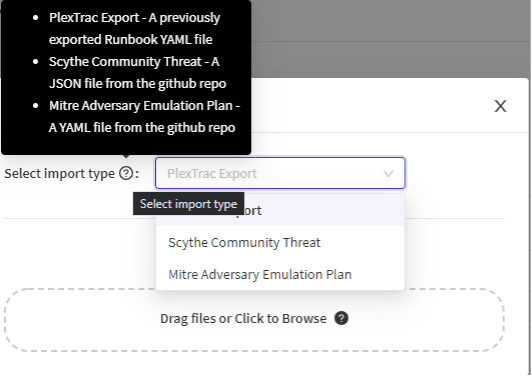
You can import Scythe Campaigns and MITRE Threat Emulation Plans as a Runbook into PlexTrac! This allows better coordination between Red and Blue Team since the activity is sync even more with the Red Team tools. You will use the Import button at the top and pick either the Scythe or Mitre import types.
Runbooks: Assigning Procedures a Severity
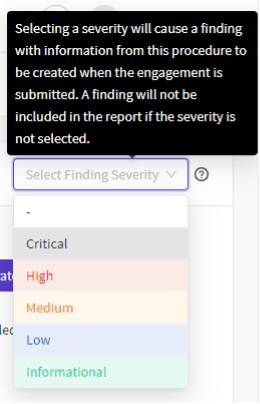
Before, all procedures that became a finding in a submitted engagement were informational. Now, we have added the ability to specify the severity of the finding, while still working the Engagement!
Runbooks: Copy Engagement Data
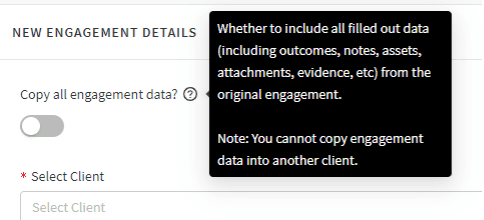
You can now copy a completed engagement and include all data! This can be used to pick up on an accidentally closed Engagement or add new information.
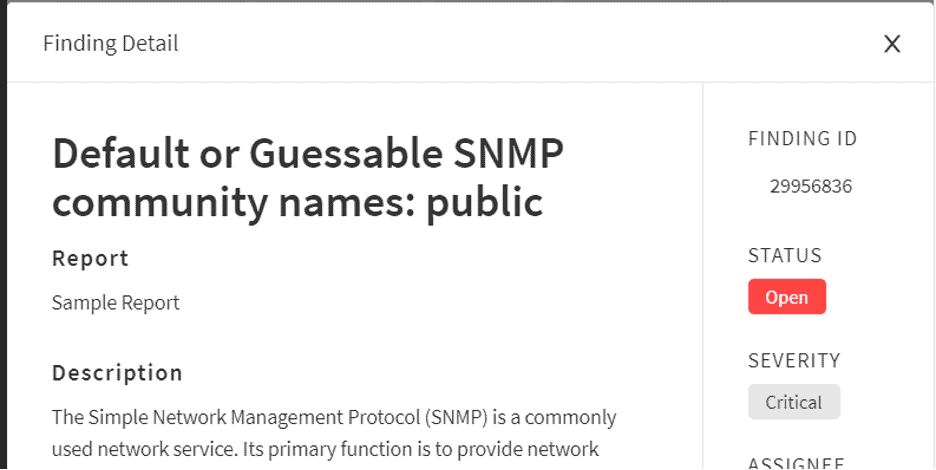
Side Note: Finding ID Visible in Findings
You can now also view the Finding ID in the Preview modal. PlexTrac has always assigned each finding in the platform a unique id number, and many of our partners expose this in their exports to provide a unique method of referencing findings when collaborating on remediation with their stakeholders. This ID number is visible in the UI:
Updating Your Instance
If you are self-hosting your PlexTrac Instance, gain access to all these enhancements by updating to the latest release using the procedures in our documentation.
Encountering a friction point? You can always obtain email support by dropping us a line at support@plextrac.com. Feel like your issue would be better addressed with a screen share? Self-schedule a Zoom support slot using this link:
If you schedule time with us, please use the notes section of the meeting, or shoot us an email and let us know why!
Our development roadmap is 100% driven by our customer requirements. If you have an idea for how PlexTrac can better support your needs, drop us a line!
Cheers!
The PlexTrac Team