Ask, Analyze, and Act with PlexTrac MCP
Security teams are already experimenting with AI. They use it to summarize technical information, improve remediation guidance, prepare executive communications, and analyze complex datasets. But when it comes to using AI with live exposure data, many teams have stopped short.
Getting useful answers often means exporting findings, copying sensitive information into another tool, manually removing confidential details, and working from a snapshot that may already be outdated. The potential productivity gains are real, but so are the questions around data access, permissions, security, and control.
What if your preferred AI tool could answer questions using your live PlexTrac data without requiring you to repeatedly export, reformat, and upload it?
That is what PlexTrac MCP is designed to enable.
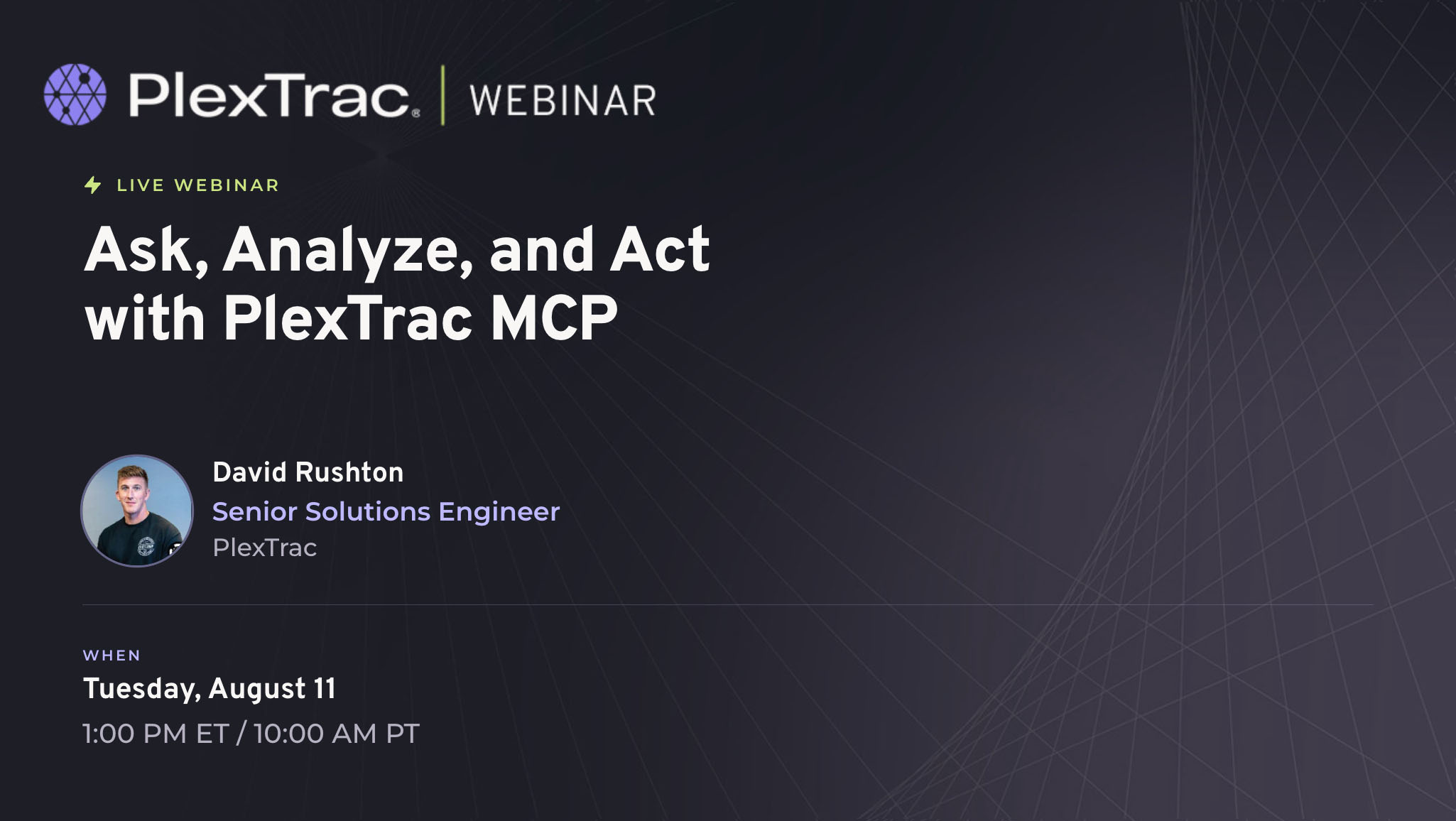
In the upcoming webinar, Ask, Analyze, and Act with PlexTrac MCP, David Rushton will demonstrate how security teams can securely connect MCP-compatible AI environments to PlexTrac and turn everyday questions into useful analysis, dashboards, and stakeholder-ready output.
What is the PlexTrac MCP
The PlexTrac MCP is a read-only bridge between PlexTrac and the AI tools your team already uses.
MCP (Model Context Protocol) is an open standard that allows an AI assistant, such as ChatGPT, Claude, Copilot, or Cursor, to securely access information from another platform. With PlexTrac MCP, authorized users can ask questions about their live PlexTrac data in natural language instead of exporting spreadsheets, writing API queries, or manually building reports.
For example, a user could ask:
- “Show me all critical findings that have been open for more than 90 days.”
- “Which findings are currently waiting for retesting?”
- “Create a risk heatmap across all clients.”
- “Summarize remediation progress for our executive meeting.”
- “Show me stale Qualys findings from the past 30 days.”
The AI can query PlexTrac information such as clients, reports, findings, assets, tags, risk scores, remediation timelines, and CTEM finding instances, then return structured answers, summaries, or interactive dashboards.
PlexTrac MCP is read-only. It gives the AI access to the data the user is authorized to view, but it does not allow the AI to create, edit, close, or delete findings in PlexTrac. The AI helps users understand and present the information; the security team remains in control of any action taken afterward.
See it live at Black hat in Vegas Next Week
PlexTrac will be at Black hat USA 2026, August 1 to 6 at the Mandalay Bay Convention Center in Las Vegas. Stop by the PlexTrac booth #5344 to see a live demo of the PlexTrac MCP. Our team can walk you through real prompts run against live PlexTrac data, covering a set of high-value prompt patterns such as:
- per-client executive summaries for QBR prep
- framework posture views across OWASP, PCI, CMMC, and NIST
- CTEM exposure analysis
They will show how the read-only design and permission model keep your data controlled.
See you at Black hat!